Your photos stay yours.
Lockveil keeps your photos, videos, documents and notes encrypted on your iPhone. No account, no ads, nothing we can see. Draw your code and the vault opens.

Free forever with up to 3 vaults · iPhone · iOS 17 or later
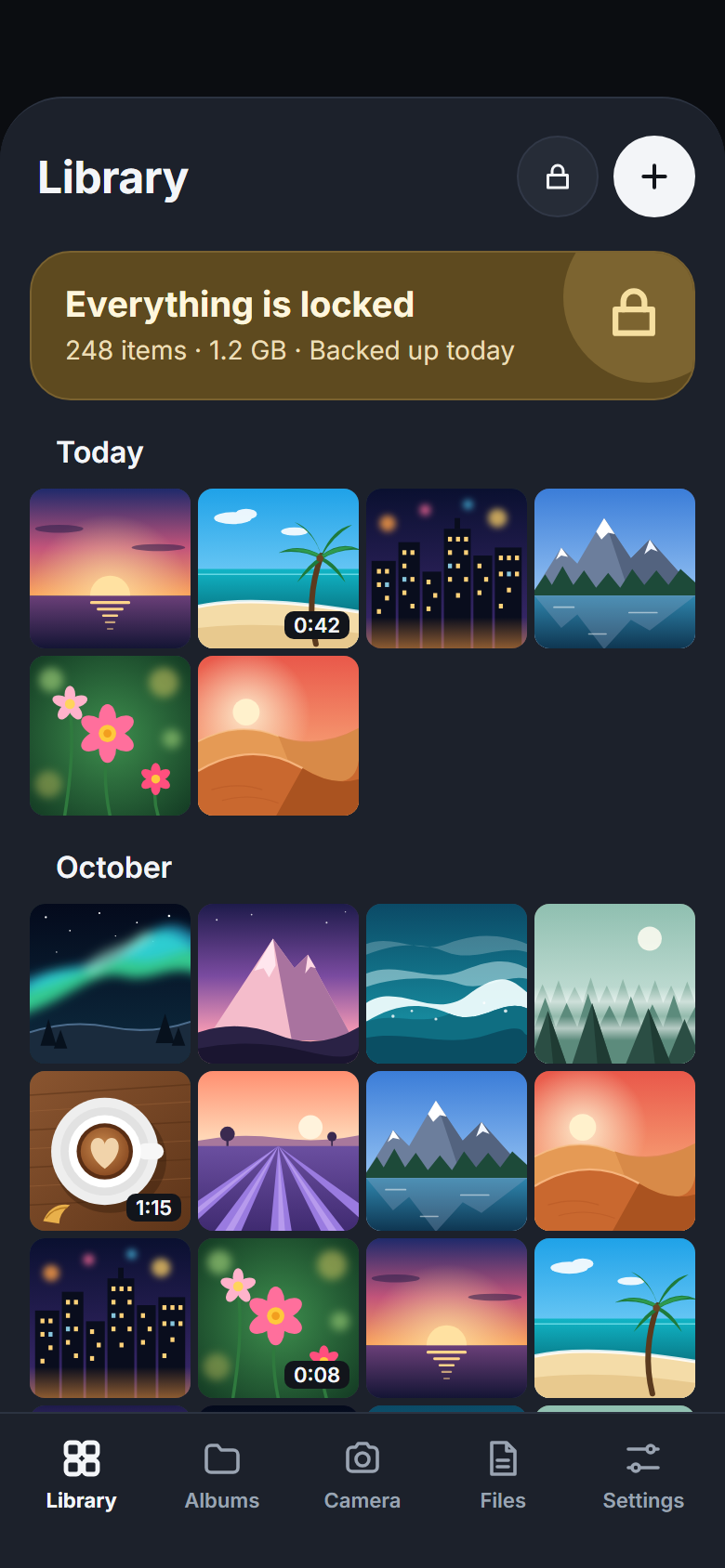
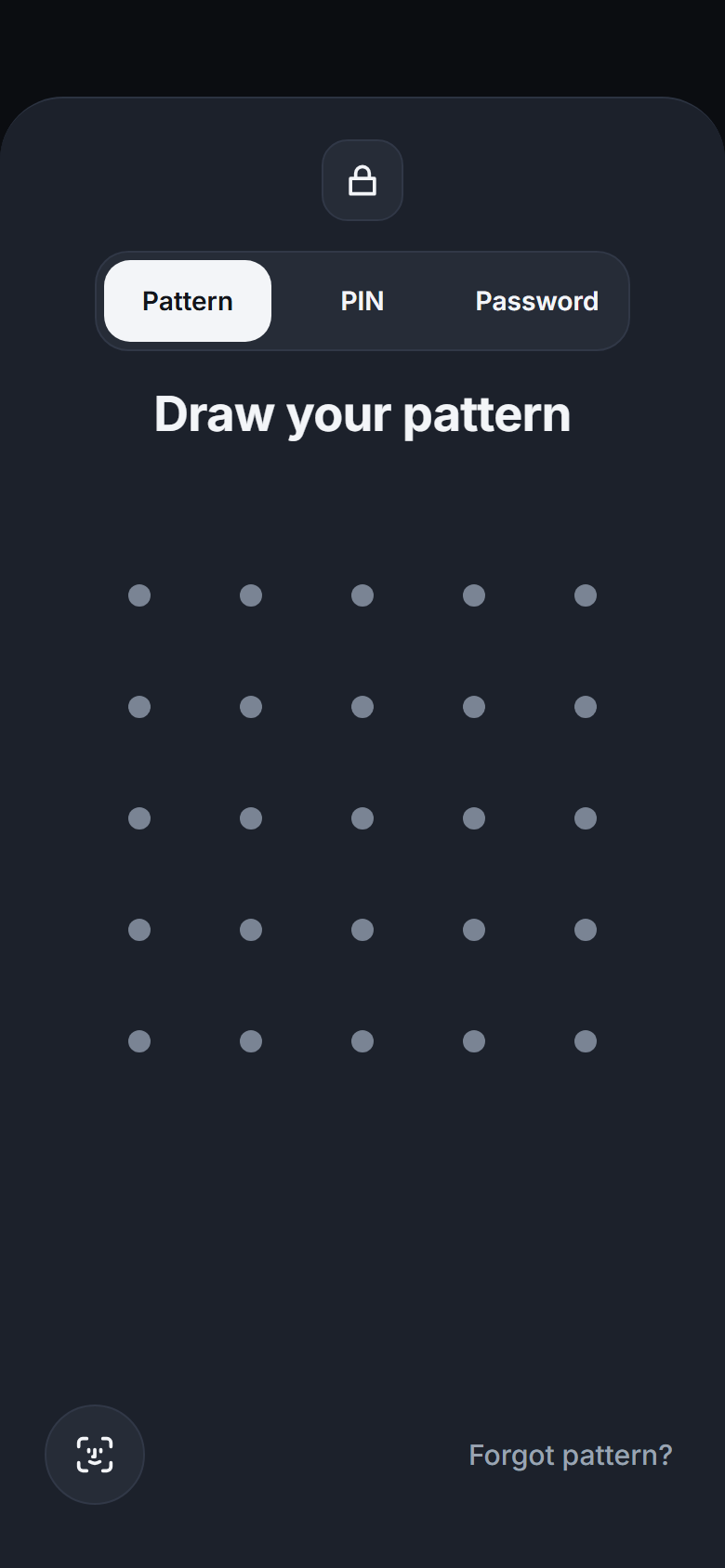
Draw your code. The vault opens.
No account to make, no setup screens, no tips popping up. Just your files, locked.
Choose your code
A pattern on a 5 × 5 grid, a PIN or a password. Add Face ID on top if you like.
Open your vault
Photos, videos, documents and notes, in folders that work like folders on a computer.
Press + to add
From Photos or Files, the camera or the document scanner. Then remove the originals from Photos, safely.
Every code opens its own vault.
A pattern for family photos, a PIN for documents, a password for everything else. Each code opens only its own vault, and no code shows everything.
- Pattern, PIN or password — chosen for each vault
- Vaults never see each other's files
- The sign-in screen looks the same with one vault or ten



 TXT
No master code. Not even for us.
Everything a private vault needs.
Folders inside folders
Photos, videos, documents and notes side by side, nested up to 10 levels deep.
Document scanner
Scan paper straight into the vault as one PDF. Nothing lands in Photos.
Private camera
Take photos and videos inside Lockveil. They never touch your camera roll.
Decoy vault
PROA second code opens harmless photos when someone insists on a look.
Panic passcode
PROOne code opens the vault you choose and quietly erases the others on this iPhone.
Sign-in attempts
PROSee when someone tried a wrong code, with a photo of who it was.
Face ID
Optional, on top of your code, for the vault you choose.
Locks itself
Locks the moment you leave and stays hidden in the app switcher and screen recordings.
Encrypted iCloud backup
Free and on by default. New iPhone? Your phrase brings everything back.
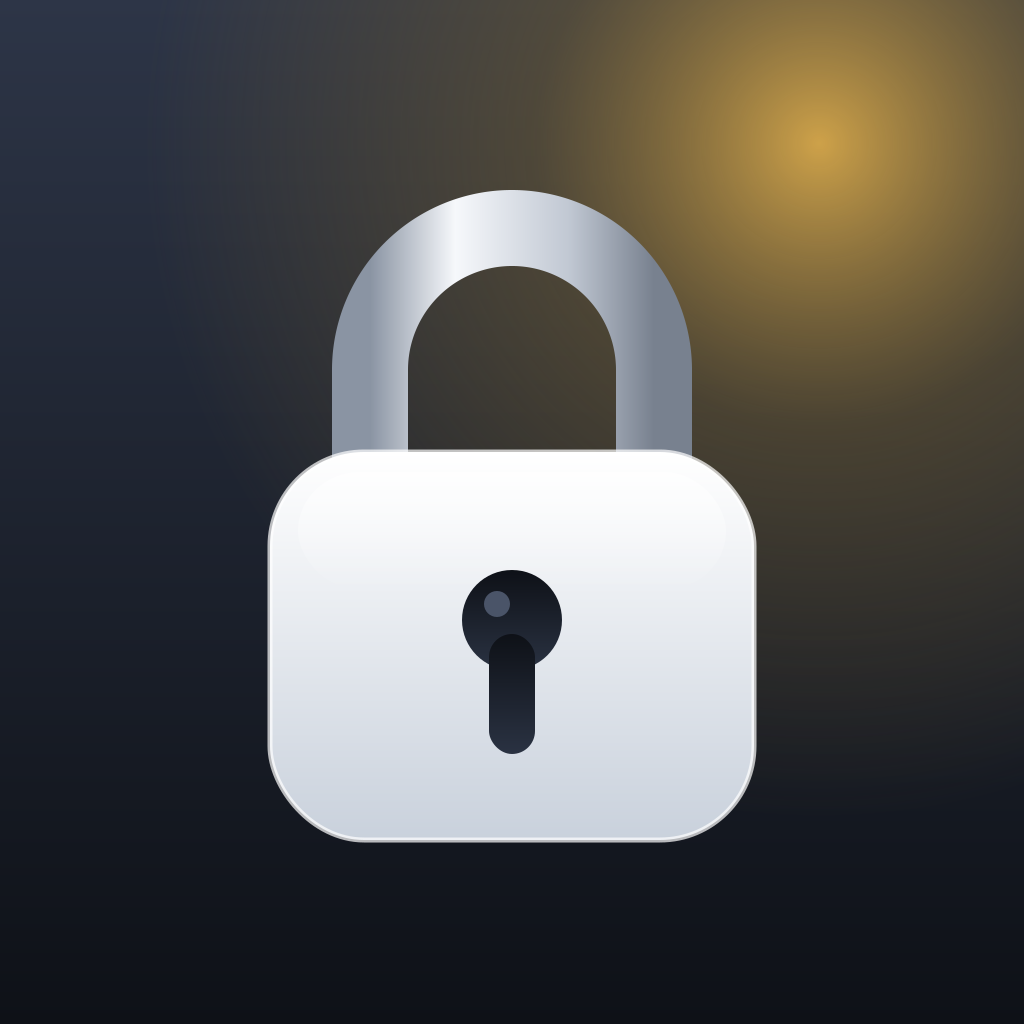
Hide in plain sight.
Swap the Lockveil icon for a calculator, notes, the weather or a timer. Or let the app open as a working calculator: type your PIN, hold =, and you're in.
 Lockveil
 Calculator
 Notes
 Weather
 Tasks
 Compass
 Timer
 Scanner
iOS always shows the name "Lockveil" under the icon. A Home Screen shortcut can use any name.
Built so nobody else can look. Not even us.
Your code unlocks a key that lives only on your iPhone. Every file, file name, thumbnail, folder and note is encrypted before it's saved, and opened only in memory while you look at it.
Backups go to your own iCloud already encrypted, in blocks of the same size, so exact file sizes stay hidden. We run no servers that hold keys, and the app has no analytics.
Read the security whitepaper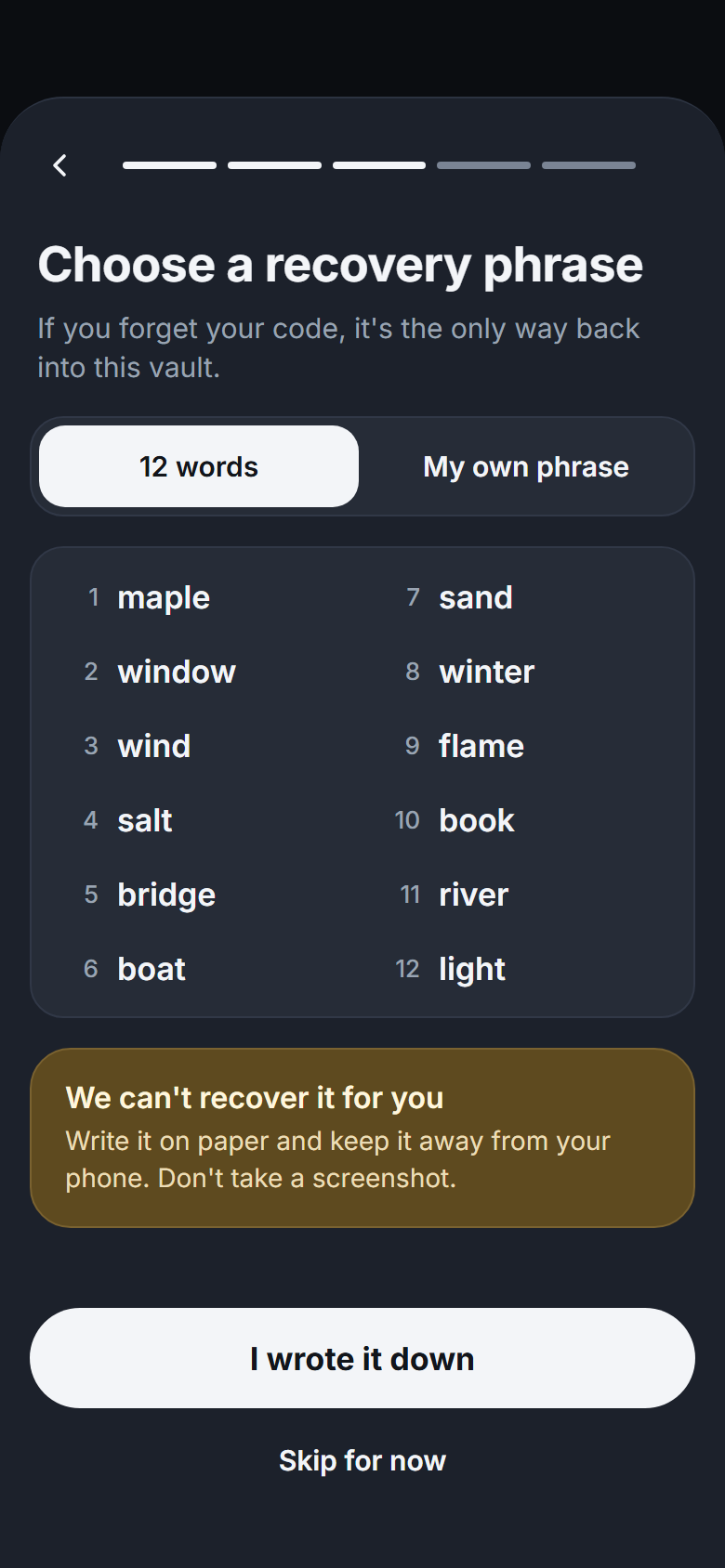
Forgot your code? Your phrase brings it all back.
Choose 12 words, or a phrase of your own. It opens your vault on this iPhone or a new one, and you can change it any time in Settings.
Free forever. Pro when you need more.
| Free | Pro | |
|---|---|---|
| Files | 100 photos, 10 videos | Unlimited |
| Vaults | Up to 3 | Unlimited |
| Decoy, panic passcode | — | |
| Intruder selfie and log | — | |
| Disguise | — |
Renews automatically. Cancel anytime.
Renews automatically. Cancel anytime.
One payment. No subscription.
Shared with your family through Family Sharing.
Free forever: up to 3 vaults, with 100 photos and 10 videos in each. Pro subscriptions renew automatically until you cancel them in Settings. Prices in US dollars; the App Store shows the price in your currency.
Questions, answered.
What if I forget my code?
Use your recovery phrase: the 12 words or the phrase you chose. It opens your vault on this iPhone or a new one. Without it, nobody can get in, including us.
Can you see my files?
No. Everything is encrypted on your iPhone with a key made from your code. There's no account, and we never get your keys.
What happens if I stop paying for Pro?
Nothing you saved gets locked. You can still view, export, delete and back up everything. You just can't add more than the Free limits.
Do I need iCloud?
No. Backup is free and on by default, but you can turn it off. Then your encrypted files stay on this iPhone and in its regular device backup.
Can someone tell how many vaults I have?
The sign-in screen looks the same with one vault or ten, and each code opens only its own vault. Someone with a forensic copy of your iPhone or access to your iCloud account may still be able to tell how many vaults there are. Read the known limitations.
Is there an iPad or Android version?
Not yet. Lockveil is made for iPhone and needs iOS 17 or later.
Take your photos back.
Free forever with up to 3 vaults. For iPhone with iOS 17 or later.